Categories
Using Your Personal To-Do List
Tecology Workspace includes a simple personal To-Do list to help you keep track of your own reminders while working with Tecology.
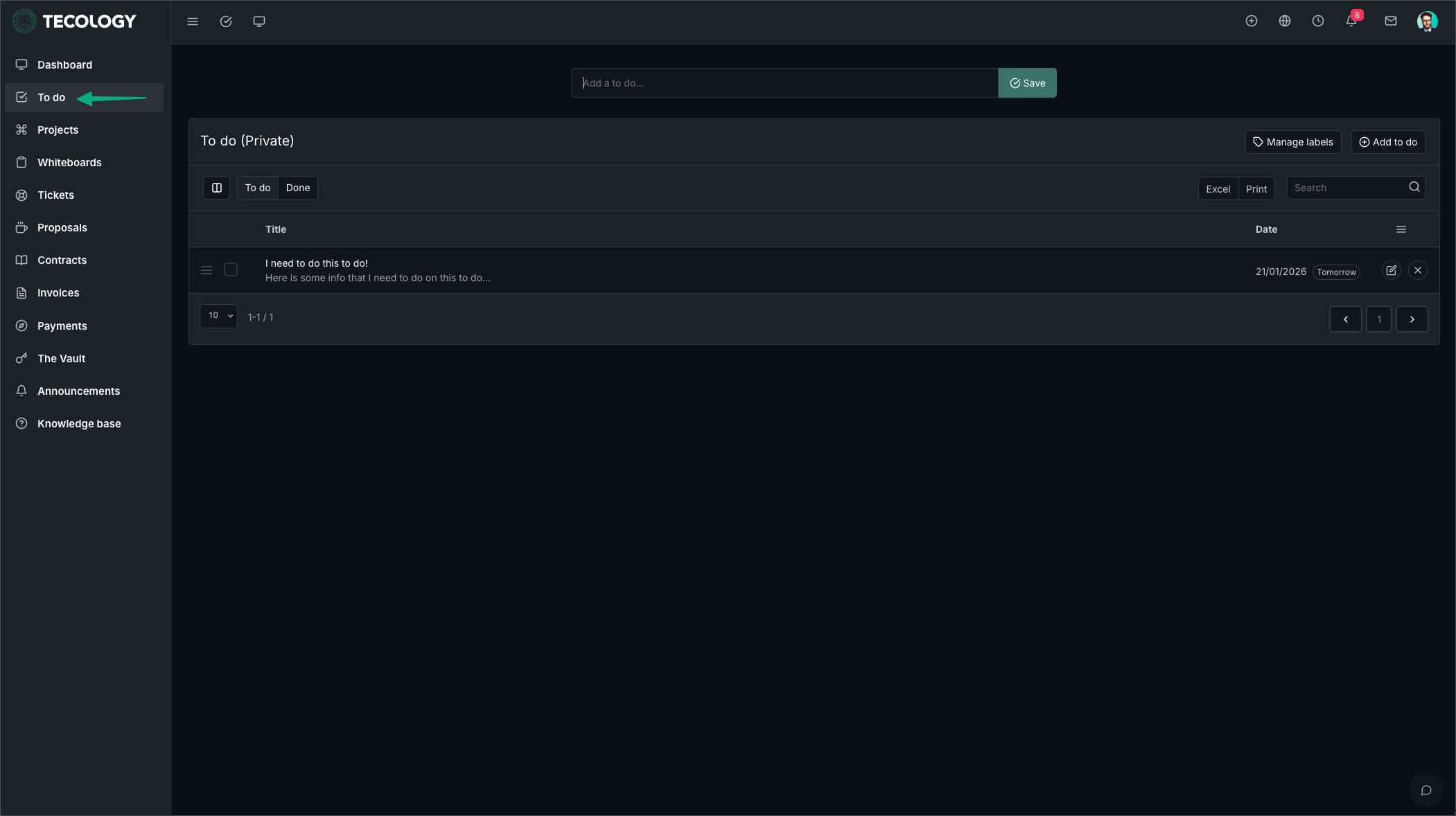
What the To-Do list is for
Your To-Do list is a private space where you can note down quick reminders such as:
- Things you want to follow up on
- Items to discuss internally before raising a request
- Personal notes related to ongoing work
- Small admin reminders (for example, “review invoice” or “send updated content”)
Who can see your To-Do list?
Your personal To-Do list is private and is only visible to your user account. Tecology does not use your To-Do list to track work or action requests.
What the To-Do list is not used for
To avoid delays and ensure requests are tracked correctly:
- Support requests should be raised as a Support Ticket (or by emailing support@tecology.co).
- Project work and deliverables should be tracked inside the relevant Project and its Tasks.
If something needs Tecology input or action, please submit it as a ticket or add it to the relevant project so it can be assigned, tracked, and updated properly.
How to use it (quick steps)
- Select To do in the left-hand menu.
- Add a short title (and any notes if required).
- Mark items as complete once done.