Categories
How to Submit a Support Request
Support requests in Tecology Workspace are managed through support tickets. Submitting a ticket ensures your request is recorded, tracked, and handled by the appropriate member of the Tecology team.
When to submit a support request
You should submit a support request if you need help with:
- Technical issues or errors
- Changes or updates to your website or systems
- Questions that require investigation or follow-up
- Anything that needs tracking or a clear outcome
If something matters, it belongs in a support ticket.
How to submit a support request
You can submit a support request in two ways:
- By creating a new ticket directly in Tecology Workspace
- By emailing support@tecology.co
- Via the Tecology Website Support page
- Via the Membersites Website Support page
- Using the support area of your website (if applicable)
Emails sent to the support address are automatically converted into support tickets and assigned a ticket ID.
Using the portal vs email
While email support is available, Tecology Workspace is the best place to submit and manage support requests.
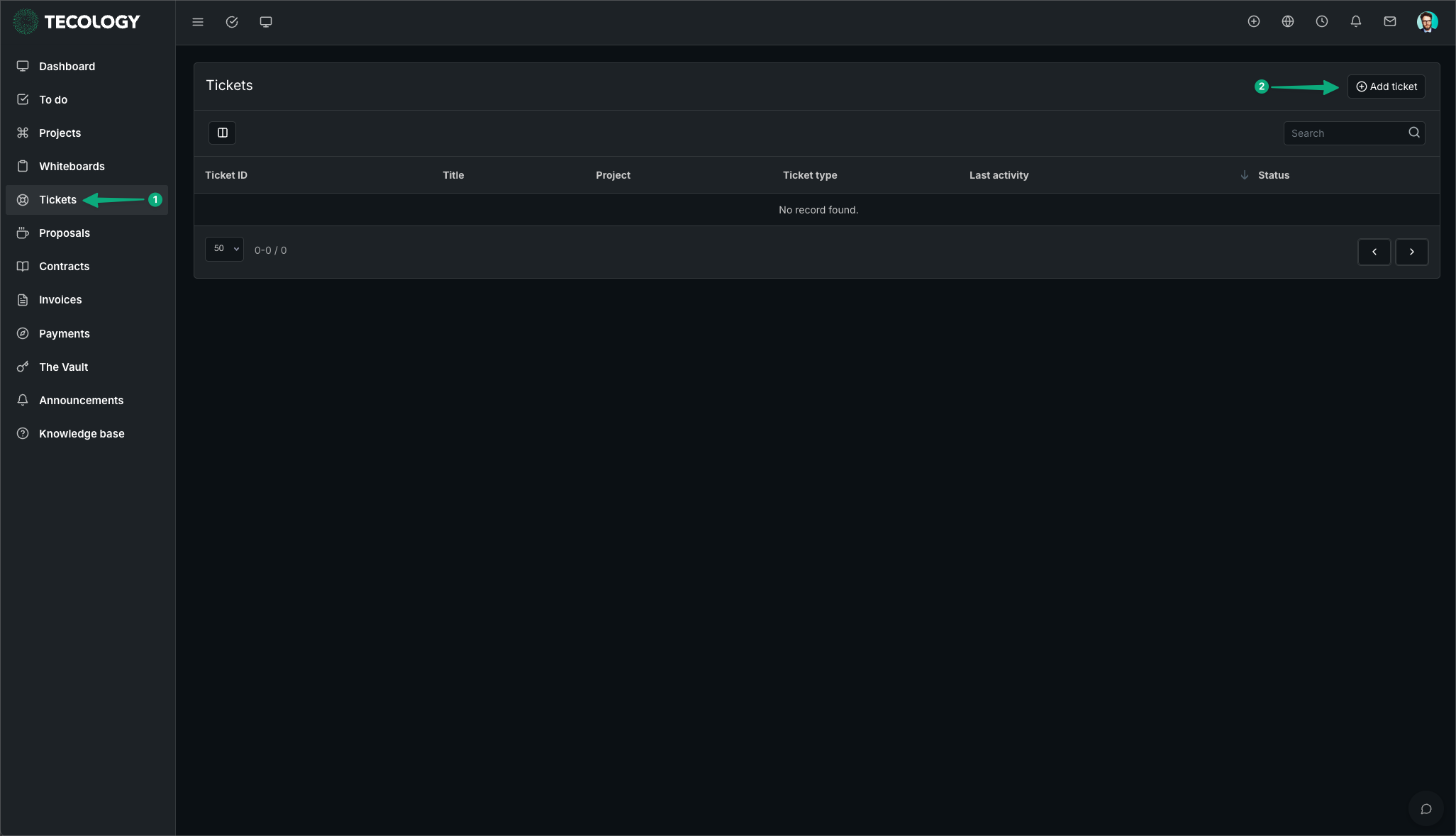
The portal allows you to:
- View ticket status and history
- Reply with additional information
- Attach files and screenshots
- Keep all communication in one place
You may be asked to continue a request in Tecology Workspace so it can be tracked properly.
What information to include
Providing clear information helps us respond more efficiently. When submitting a ticket, include:
- A clear description of the issue or request
- Any relevant links, pages, or examples
- Screenshots or files, if helpful
- The outcome you’re hoping to achieve
The more context you provide, the easier it is to resolve the request.
After you submit a ticket
Once submitted, your support request becomes a ticket that can be tracked within Tecology Workspace.
You’ll be able to see updates, reply with additional information, and follow progress until the request is resolved.
Next step
After submitting a ticket, keep an eye on Tecology Workspace for updates or questions from the team. Replying within the ticket helps ensure everything stays clearly recorded.