Categories
Logging in to Tecology Workspace
To access Tecology Workspace, you’ll need the email address associated with your account and your password. If you do not have an account with Tecology Workspace and require one for your organisation, please email support@tecology.co, and we will create one for you. Logging in gives you access to support, projects, files, and billing information relevant to you.
Where to log in
You can log in to Tecology Workspace using the link provided in your welcome email or by visiting the Tecology Workspace login page directly.
If you bookmark the login page, it can make returning to the portal quicker in the future.
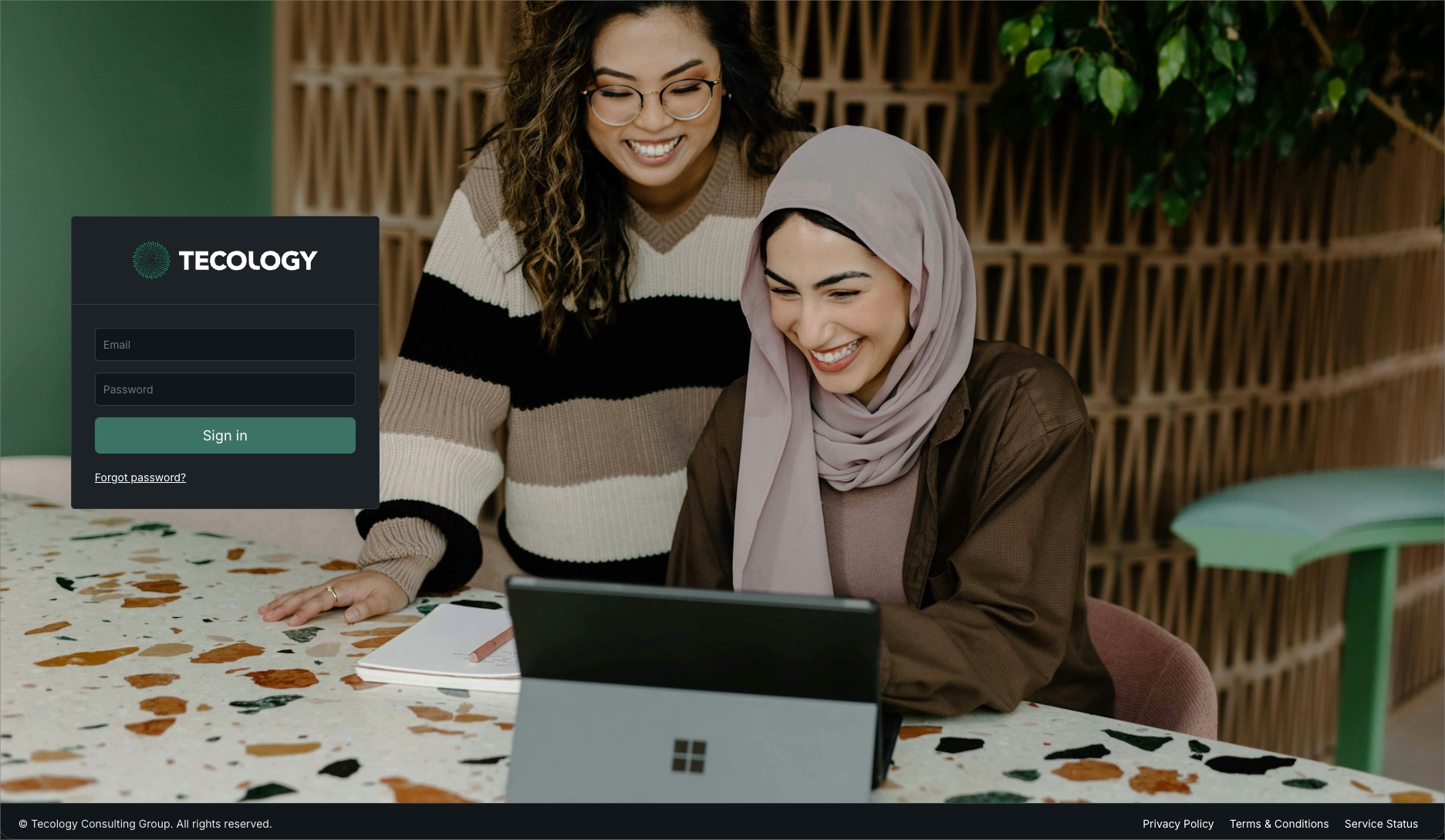
Entering your login details
On the login screen, enter your email address and password, then select the option to sign in.
If your details are correct, you’ll be taken straight to the dashboard.
If you’ve forgotten your password
If you can’t remember your password, use the “Forgot password?” option on the login screen. You’ll receive an email with instructions to reset it.
Password reset emails may take a few minutes to arrive. If you don’t see one, check your junk or spam folder.
If you’re having trouble logging in
If you’re unable to log in after resetting your password, or if your access doesn’t look right, submit a support request by emailing support@tecology.co so the Tecology team can help.
Avoid sharing passwords by email. Support requests ensure issues are handled securely and tracked properly.
Next step
Once logged in, you’ll be taken to the dashboard. This is the best place to start exploring Tecology Workspace and accessing support or project information.