Categories
Managing Your Profile and Account Access
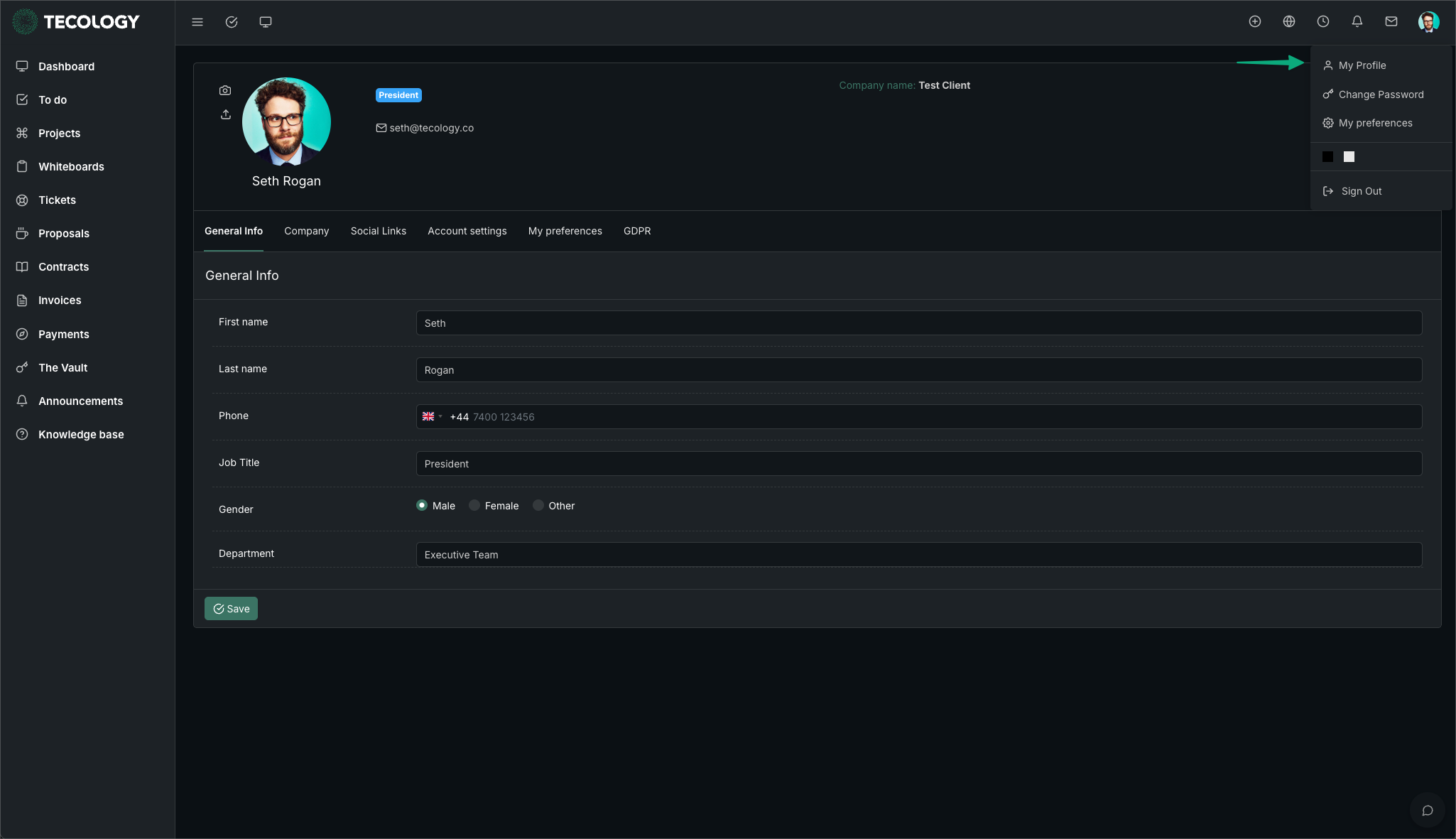
Your profile in Tecology Workspace controls your personal details and how you access the portal. Keeping this information up to date helps ensure you receive the right notifications and can access the areas relevant to you.
Viewing and updating your profile
From within Tecology Workspace, you can access your profile details to review information such as your name and email address.
Some details may be editable directly, while others may be managed by Tecology to ensure account security and correct access levels.
Understanding access levels
Access to areas such as support tickets, projects, files, or billing depends on your role and permissions.
If you cannot see something you expect to, it may be because your access is limited to what’s relevant for your role. If anything is missing, please raise a support ticket, and a member of the Tecology team will provide the correct access once the request is confirmed with your organisation.
Adding or removing users
If your organisation needs to add a new user or remove access for someone, this should be requested through a support ticket.
This helps ensure access changes are handled securely and recorded correctly.
Keeping your account secure
Do not share your login details with others. Each user should have their own account so activity and communication can be tracked accurately.
If you believe your account has been accessed incorrectly, submit a support request as soon as possible.
Next step
Once your profile is set up, you can use the dashboard to access support, view projects, or manage files and billing as needed.