Categories
Live Chat with your colleagues and the Tecology team
Live Chat in Tecology Workspace allows you to send quick messages to your colleagues and to the Tecology team. It’s designed for short, informal communication and quick clarifications while you’re working in the portal.
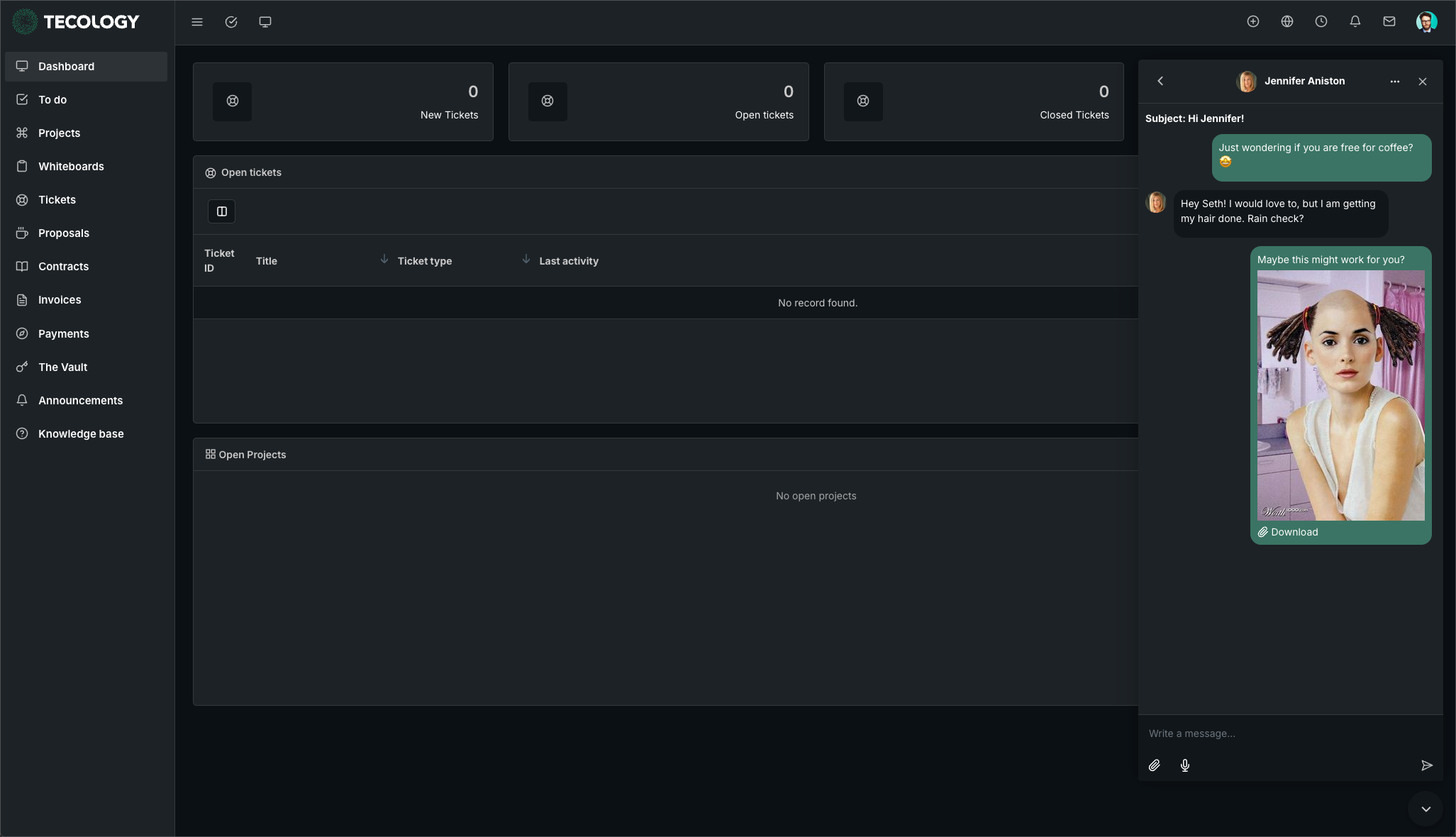
What Live Chat is best used for
Live Chat works well for:
- Quick questions or clarifications
- Simple follow-ups
- Informal communication with colleagues
- Short messages that don’t need tracking
It’s a convenient way to communicate without leaving Tecology Workspace.
What Live Chat is not used for
Live Chat is not intended for support requests, technical issues, or anything that needs to be tracked or prioritised.
If something is important, complex, or time-sensitive, it should always be submitted as a support ticket so it can be properly recorded and handled by the Tecology team.
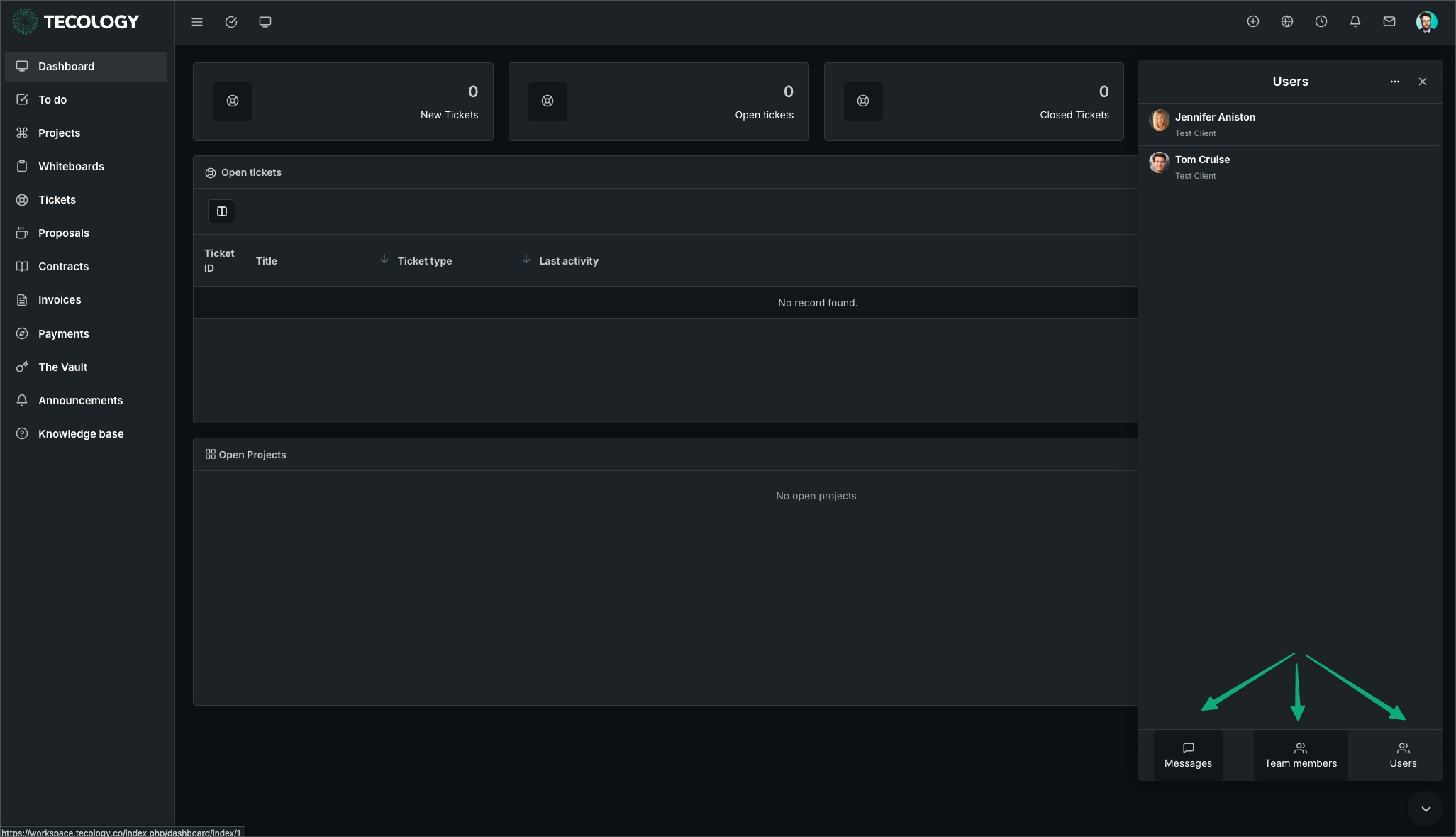
Who you can message
Live Chat allows you to message:
- Other users within your organisation
- Members of the Tecology team
What you see may depend on your access level and who is currently available.
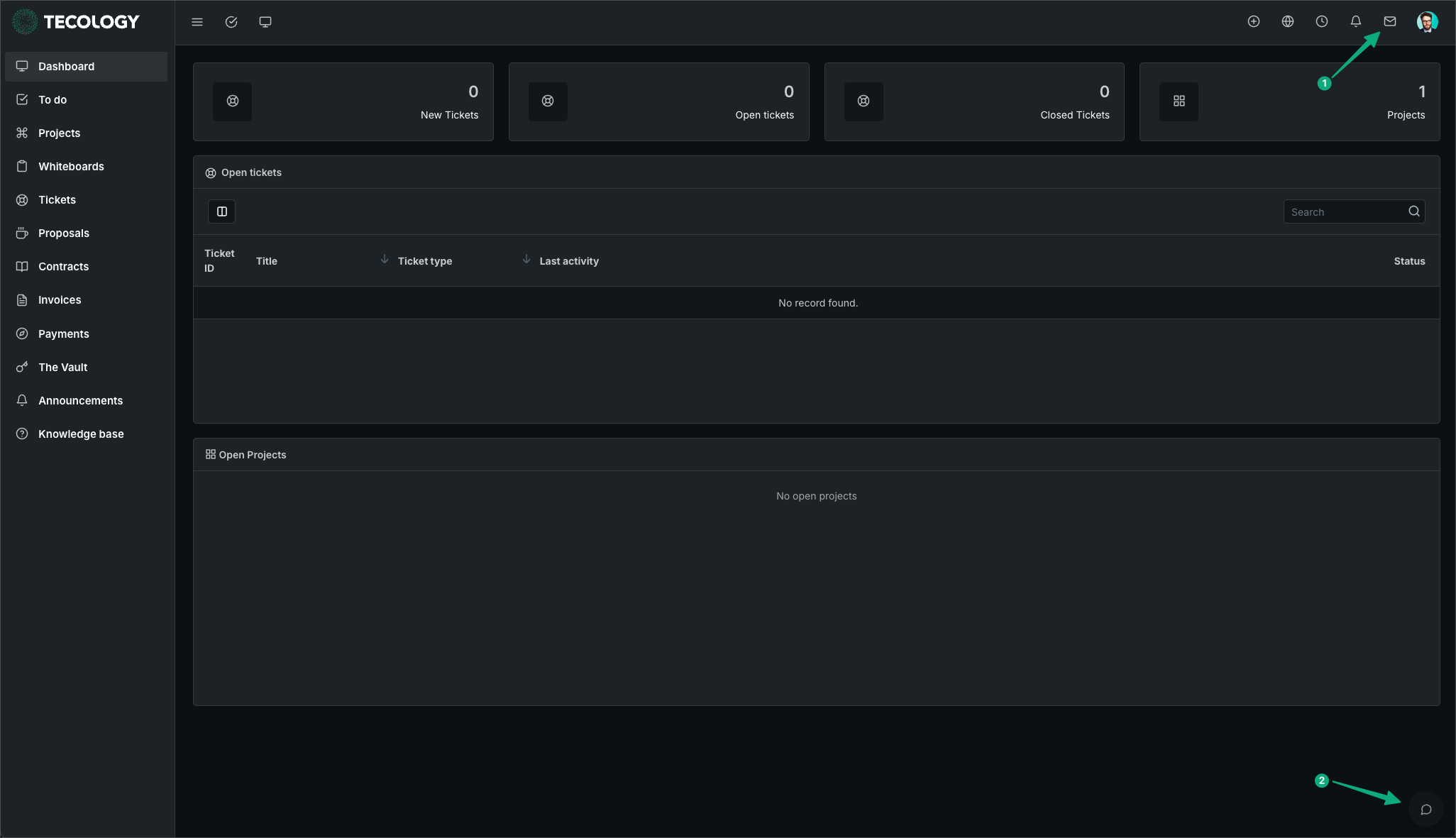
Where to find Live Chat
Live Chat can be accessed from within Tecology Workspace while you are logged in. Once opened, you can view existing conversations or start a new message.
Messages and replies appear within the chat panel and are separate from support tickets.
Managing expectations
Live Chat messages may not be monitored continuously and are only visible to the Tecology team while they are online using the platform. Response times can vary depending on availability.
Using Live Chat does not replace submitting a support ticket, and messages sent via Live Chat are not treated as formal support requests.
Next step
If you have a question that needs follow-up, tracking, or action, submit a support ticket so it can be managed properly. Live Chat can still be useful for quick clarification alongside formal requests.